
Database of high-converting user journeys
Design what already converts
Somewhere out there, someone already solved your design problem. They tested it, shipped it and watched it convert. Webflowarchive puts their answers in one place, so your blank canvas starts at 80% instead of zero.
Free plan available. No card needed to look around.
14
website flows
98
steps in order
196
desktop + mobile screens
1 → ∞
landing to upgrade
Sound familiar?
“I start from scratch, unsure how to approach a design problem.”
“I spend too much time searching for inspiration across different sources.”
“I guess how certain user journeys should work.”
Good references should be easy to find, easy to follow and easy to keep.
How it works
Learn from the best instead of starting from scratch
01
Real website journeys
Signup, onboarding, pricing and upgrade flows, captured on the live sites.
02
Every step, in order
Follow the journey screen by screen, the way a new visitor walks it.
03
Desktop and mobile
See each step at 1440 and 390 wide, so you design both at once.
04
What happens on each step
Short notes on the CTA, the offer and the catch, next to every screen.
05
Filter by pattern
Jump straight to onboarding, pricing, paywalls or first use.
06
Save to your profile
Keep the flows you want to copy in one place, ready when you design.
The old way
- 1Search “onboarding examples”
- 2Sort through articles and unrelated results
- 3Create accounts to explore each app
- 4Screenshot and organize every step
- 5Search your files to find them again
The Webflowarchive way
- 1Pick a pattern: signup, pricing, upgrade
- 2Open a real website’s journey
- 3Walk every step on desktop and mobile
- 4Save it to your profile
- 5Design what already converts
In the library
Fresh website journeys
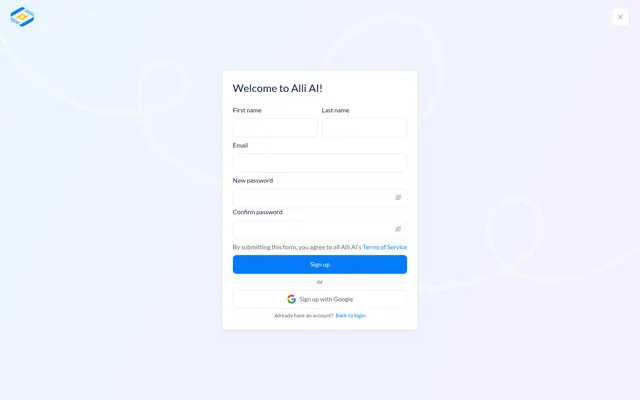
alliai.com
06 steps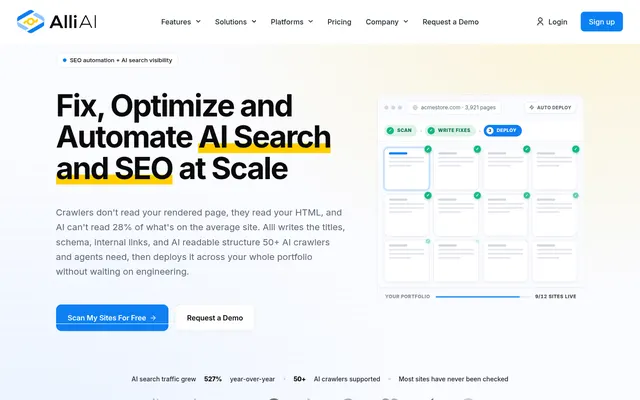
Landing → Public pricing / upgrade → Account registration → Authenticated team; no subscription → Subscription plans → Incomplete Business subscription
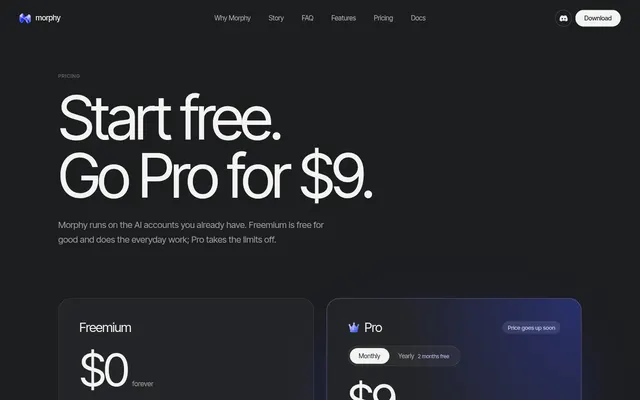
appmorphy.com
07 steps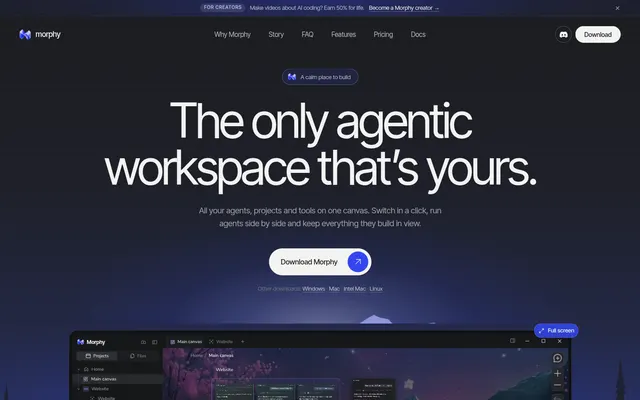
Landing → Welcome / get Morphy → Discovery question → Use-case question → Desktop installation handoff → Confirmed platform blocker → Pricing / upgrade offer
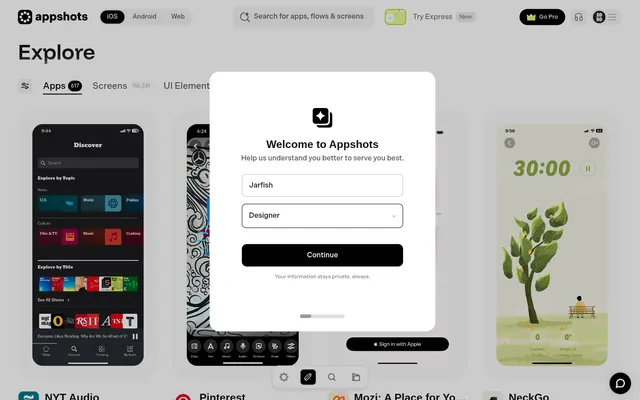
appshots.design
11 steps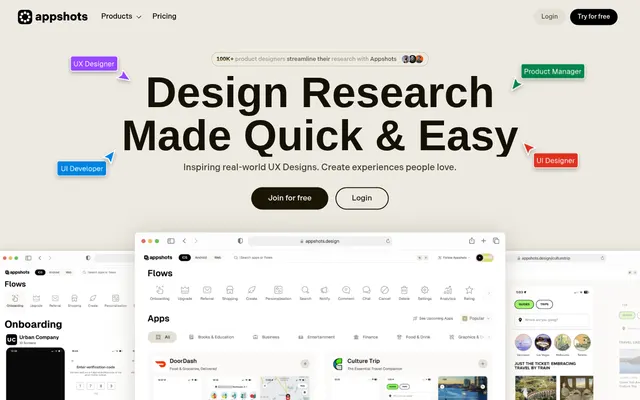
Landing → Signup → Onboarding → Purpose → Source → Plan → Lifetime promo → Nyt preview → Create private collection → Collection saved → Verified first use
gummble.com
04 steps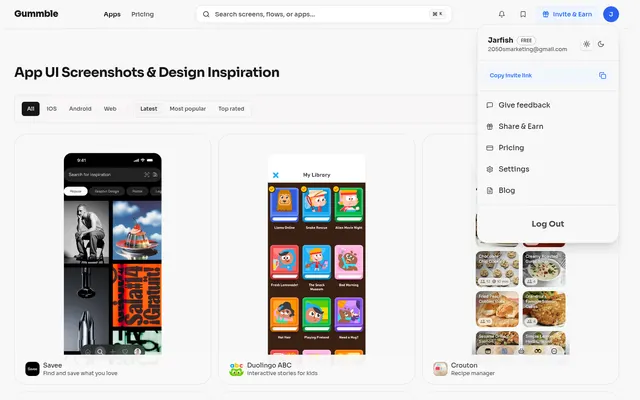
Account → App library → Free screen → Pricing
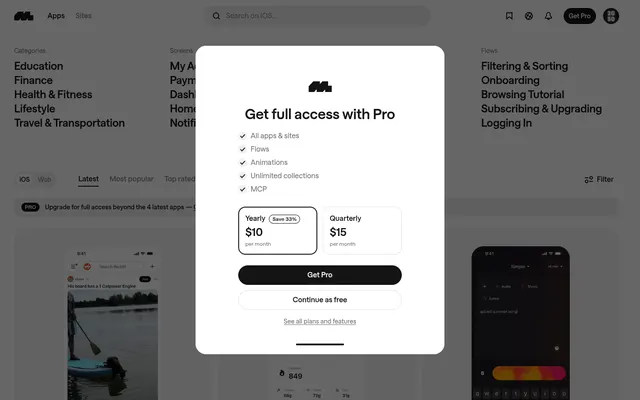
mobbin.com
10 steps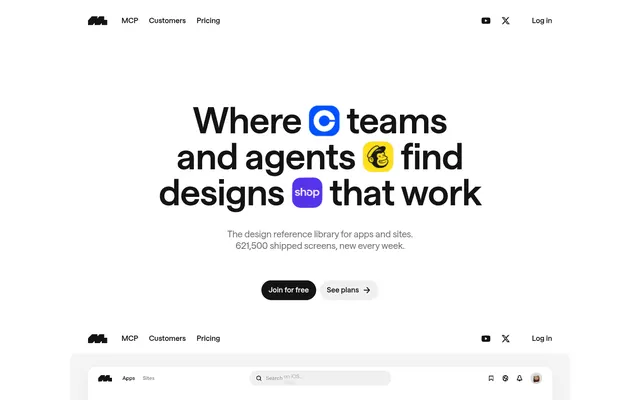
Landing → Create your free account → Account setup: Welcome → Account setup: Purpose → Onboarding Pro offer → Free library: onboarding complete → Reddit screen library → First use: inspect reference screen → Choose save destination → Verified free first-use result
nicelydone.club
08 steps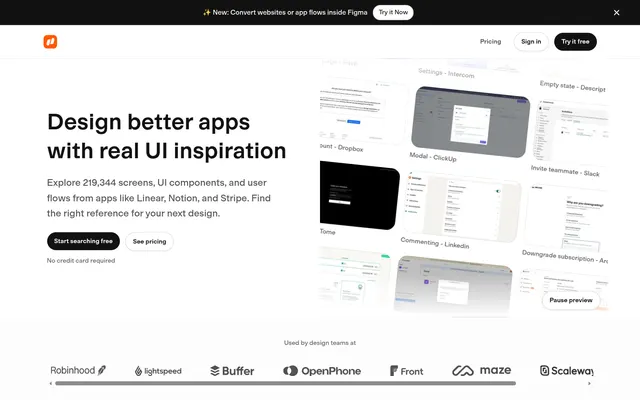
Landing → Signup → Welcome → Profile → Library → Search → Search error → Apps
Pricing
Start free. Go Pro when you design.
Free
Look around and save your first references.
$0/ month
- Every flow in the library
- First 3 steps of each flow
- Save 10 flows a month
- Desktop screens
Pro
The full journey of every flow, from landing to upgrade.
$12/ month
- Every step of every flow
- Desktop + mobile screens
- Unlimited saves to your profile
- What happens on each step
- New flows as we capture them
Cancel anytime before day 7 and pay nothing.
Questions
What is a flow?+
A flow is one real journey on a live website: from the landing page through signup, onboarding and the first upgrade prompt. Every step is a full-page screen.
Where do the flows come from?+
We walk each website ourselves as a new visitor, capture every step on desktop and mobile, and note what happens.
What do I get for free?+
Every flow in the library with its first 3 steps, and 10 saves a month. Pro opens every step and unlimited saves.
How does the 7-day trial work?+
Start Pro, use everything for 7 days, and cancel anytime before day 7 to pay nothing.
Can I cancel anytime?+
Yes. Cancel from your billing page in one click; you keep Pro until the end of the period.