LandingOnboardingUpgrade
tripo3d.ai
The real tripo3d.ai journey, 3 steps in order. Captured 19 Oct 2026 on tripo3d.ai.
3
steps in order
Step 01 of 03
Landing
Primary CTA: Start Creating. Opened Studio in a new tab.
Landing
Step 02 of 03
Existing account / onboarding skipped
No signup or questionnaire shown. No account state erased. Upgrade banner: Smart Mesh, Multi-Views and unlimited downloads. Clicked Generate to open workspace. Mobile layout switches to Image/Text to 3D.
Onboarding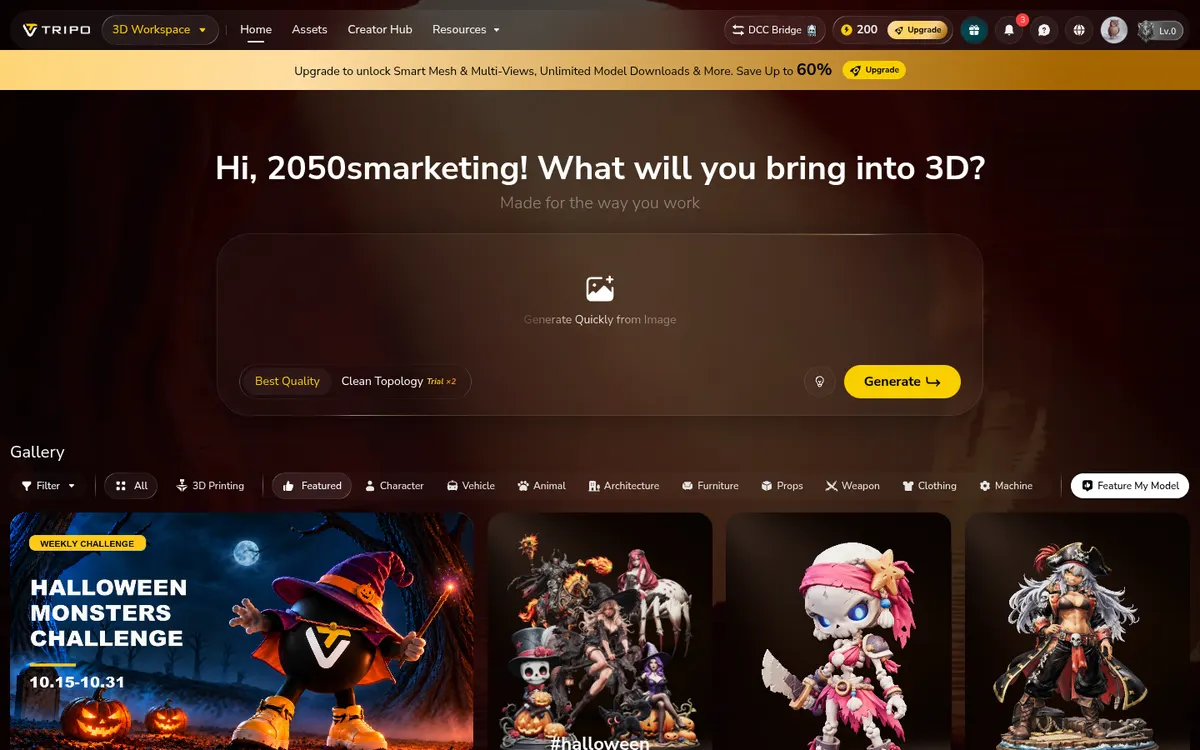
Step 03 of 03
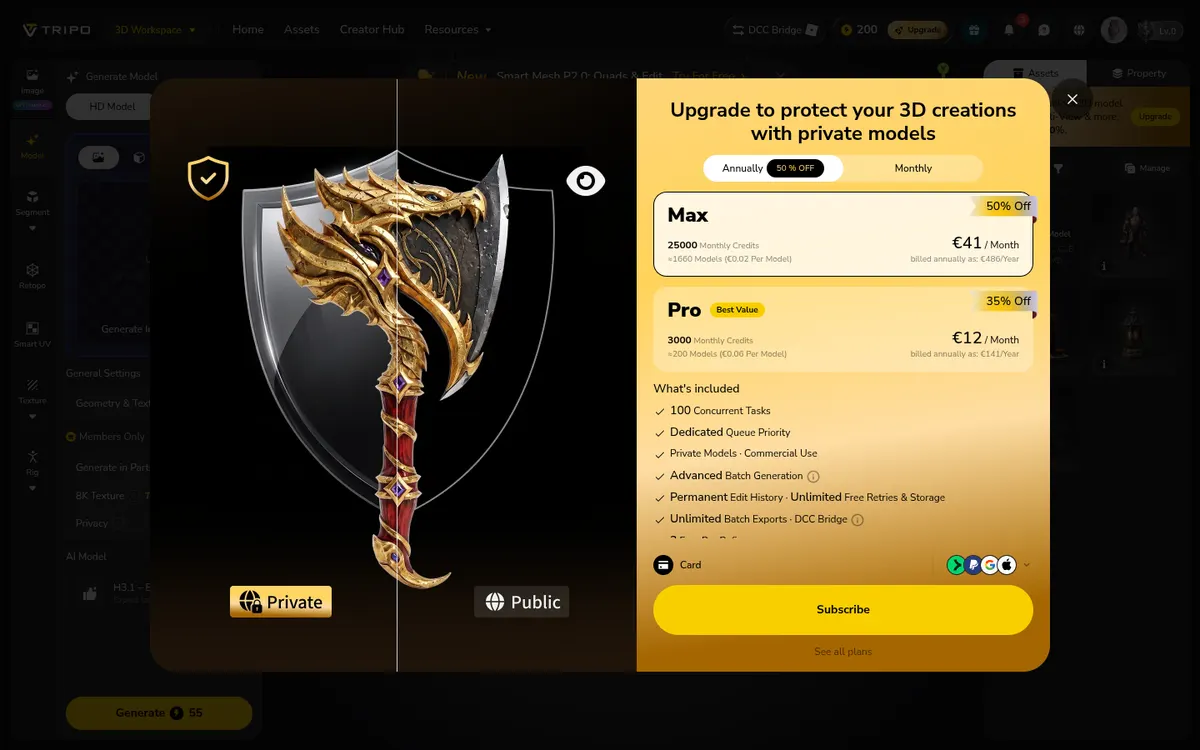
Generation workspace → private model upgrade blocker
HD Model defaults: Geometry & Texture, H3.1 Best Quality, 55 credits, Public privacy. Opened Privacy control; paid upgrade dialog appeared. Private Models requires subscription (Pro displayed €12/month billed annually €141/year; Max €41/month billed annually €486/year). No Subscr
Upgrade